Product onboarding: five formats and how to pick the right one
Tooltips, hover hints, tours, modals and checklists solve different problems. Which format fits which situation, where each one starts getting in the way, and how to tell whether it helped.
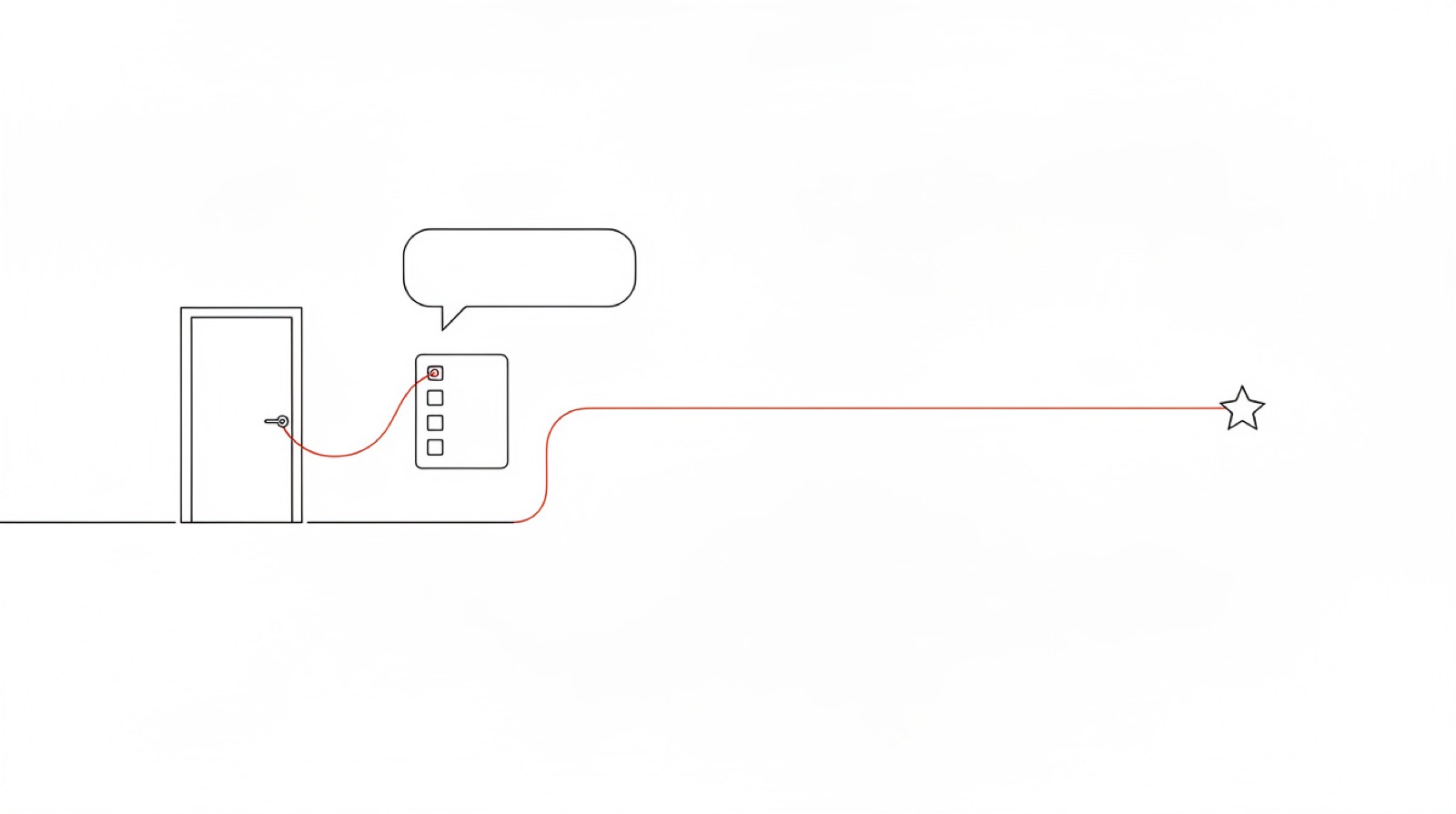
Product onboarding (also called user onboarding or in-app onboarding) is the guidance inside your interface that gets a new user to their first useful result. Not a welcome email or a help-center video, but whatever the person sees at the moment they don’t know what to do next. Below are the five formats it is built from, and how to choose a format for the problem rather than the other way round.
Start from the problem, not the format
It helps to begin with what is going wrong instead of “let’s build a tour”. It is usually one of four things:
- people can’t find a button or don’t know what it does;
- a flow is long and people abandon it halfway;
- you shipped a feature nobody knows about;
- it isn’t clear where to start because the product does a lot.
Tooltip: one control, one explanation
A hint anchored to a specific element. It works when the question is narrow: what this toggle does, where the export went. It stops working when there are five of them on one screen — people stop reading.
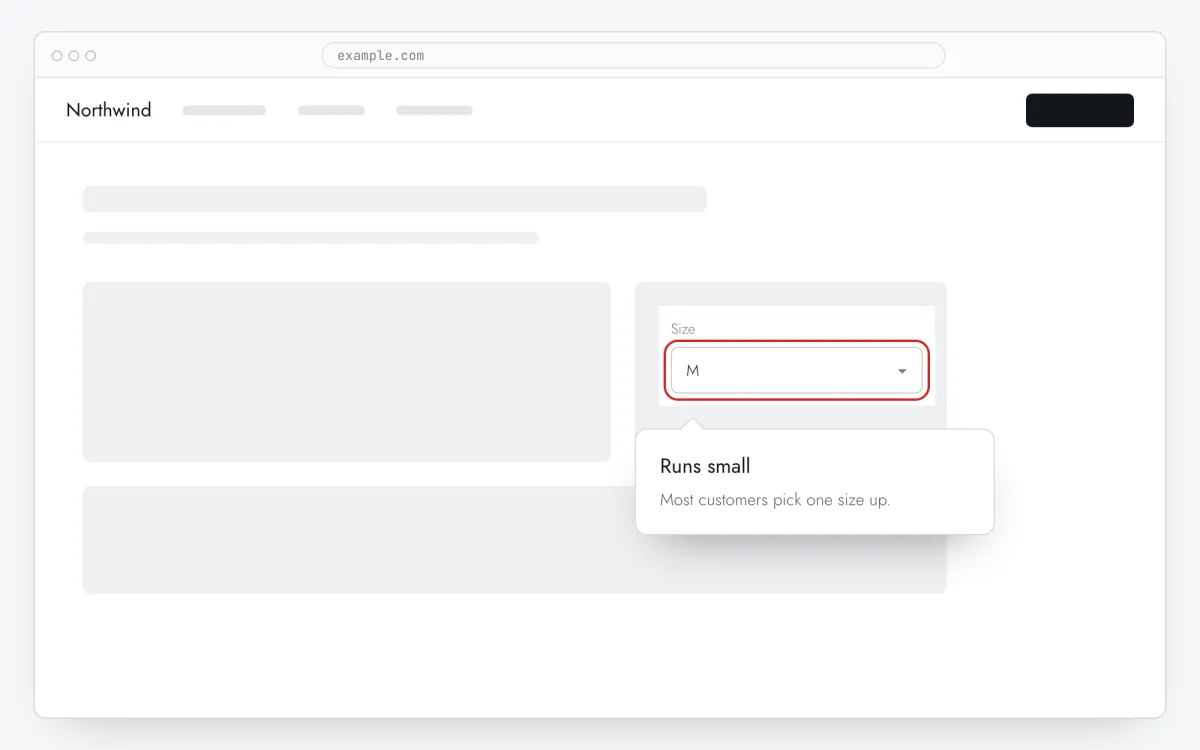
A quick test: does the text fit in one or two sentences? If not, it is a tour or an article, not a tooltip. Our tooltip copy checker scores length and clarity, and the reading-time calculator tells you how long people need to read it.
Hover hint: for people who hesitated
The same tooltip, but it only appears when someone rests the pointer on the element. In Clew that takes 400 ms, so a mouse passing by doesn’t set it off. Keyboard users get it on focus, touch users on the first tap.
It suits form fields: explain why a field is there without cluttering the form for everyone who already knows. We use one on our own sign-up page.
Product tour: when the result takes several steps
A chain of steps, each anchored to its own element. Use it when getting to the result takes several actions in a row: connect a source, configure it, run it.
The main risk is length: every step loses some people. Clew measures drop-off against the previous step, so you can see which step loses more than the rest. Fix that one instead of rewriting the whole tour.
The second risk is markup. A step that can no longer find its element after a release is skipped by the widget and listed in the Health tab. How that works, and how a data-tour attribute protects you, is covered in onboarding without developers.
Modal: announcing something new
A window on top of the page. It is a good way to announce a feature on that feature’s own page, where people can try it straight away. It annoys when it pops up on load and covers what the person came for — so modals usually wait for a delay or a scroll, and show once.
Checklist: when it isn’t clear where to start
A short list of actions in a corner of the screen, with progress. It helps when there are several first steps and the order isn’t obvious. In Clew a checklist doesn’t take a tour’s place — it sits alongside it — and on screens narrower than 1024 px it folds into a pill. How to pick the items and make them tick themselves: onboarding checklists.
Cheat sheet
- Can’t find the button — a tooltip on that button.
- Stuck on a form field — a hover hint.
- Abandon a long flow — a tour, with drop-off watched per step.
- Don’t know about a new feature — a modal on its page, shown once.
- Don’t know where to start — a checklist of three to five items.
How to tell whether onboarding helped
Measure the action onboarding exists for, not the onboarding itself. For Clew that action is publishing a first tour; for an analytics product it might be a first dashboard. Tour completion is useful for diagnosis, but if people finish the tour and activation doesn’t move, the tour leads somewhere else.
If you disagree about which of two versions is better, A/B test them. Our A/B test calculator tells you how many visitors that takes; a worked example is in how we onboard Clew users with Clew.
When onboarding won’t help
If the product doesn’t solve the person’s problem, hints won’t fix that — they will only get them to that conclusion faster. And if a basic action needs a ten-step tour, simplify the interface first.