An Intercom Product Tours alternative — without buying a support suite
Intercom is a customer-service platform, and product tours sit in an add-on on top of per-seat plans. If what you need is in-app onboarding — tours, tooltips, checklists, announcements — Clew does exactly that, with a free plan, published prices and the option to run it on your own servers.
Clew vs Intercom, point by point
| Feature | Clew | Intercom |
|---|---|---|
| What it is | Onboarding: tours, tooltips, checklists, modals | Customer service platform (AI agent, helpdesk, messenger); tours are an add-on |
| Product tours | Yes | Via the Proactive Support Plus add-on (web only) |
| Free plan | Yes, forever | No — 14-day trial |
| Price | Free forever (1 site, 3 published tours, no visitor caps); paid from $14.99/mo | Essential $29/seat/mo + $99/mo Proactive Support Plus for tours |
| Self-hosted | Yes (Docker, your server) | Not stated — cloud product |
| Who sets it up | PM or marketer, visual editor, no code | Tour builder inside Intercom; the Messenger must be installed |
| Focus | Onboarding only | Support + proactive messaging + onboarding |
Comparison based on public information as of September 2026 — the vendors' own pricing, product and help pages. Features and prices change; if something here is outdated or inaccurate, email hello@getclew.io and we will fix it.
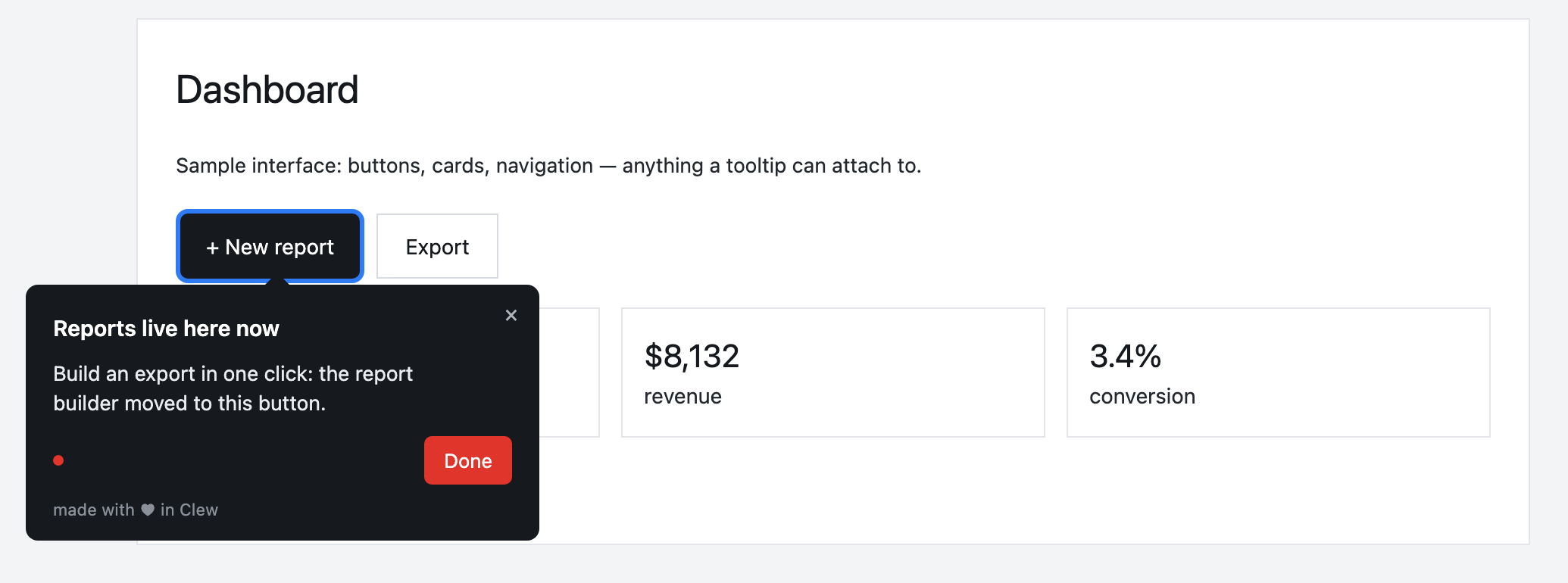
A hint inside your product
A tour, tooltip, checklist or modal — built in the visual editor and shown by URL, segment, trigger and frequency. A product manager or marketer edits it, with no release.
This is an illustrative scenario, not a real customer. Real customer stories will appear here as they happen.
Why teams pick Clew
Frequently asked questions
How is Clew different from Intercom?
Intercom is a customer-service platform, and product tours sit in an add-on on top of per-seat plans. If what you need is in-app onboarding — tours, tooltips, checklists, announcements — Clew does exactly that, with a free plan, published prices and the option to run it on your own servers.
Is Clew cheaper than Intercom?
Clew publishes its prices: a free plan forever, and paid plans from $14.99/month. Intercom lists Essential at $29/seat/month (Advanced $85, Expert $132), and product tours come with the Proactive Support Plus add-on listed at $99/month including 500 messages. There is a 14-day trial and no free plan. Checked on September 26, 2026 on intercom.com/pricing.
Do I need a developer to set up onboarding?
Only once — to paste one script tag into your page. After that, product managers, marketers or support build tours, tooltips and checklists in a visual editor right on the live page, with no releases.
Does Clew work with React, Vue and single-page apps?
Yes. The widget is dependency-free vanilla JavaScript; it survives route changes in single-page apps and does not pull in a framework.
Can I self-host Clew?
Yes. Run it in Docker or as a single Node process with a built-in SQLite database; visitor data stays on your servers. The self-hosted edition is a one-time license with a year of updates and support.
How much does Clew cost?
The Free plan is free forever: 1 site and up to 3 published tours, no visitor caps. Pro ($14.99/month, 20 published tours, no visitor caps) and Business come with a 14-day trial, no credit card. There is also a one-time Lifetime license and a self-hosted box.