User onboarding on your own servers
Most onboarding tools are cloud-only. Clew runs in your infrastructure — Docker or one Node process with a built-in SQLite database — so visitor data never leaves your perimeter, and security review becomes a much shorter conversation.
Why cloud onboarding tools get stuck
The feature set is fine; the data flow is the problem.
Behavioral data leaves your network
A cloud widget sends usage events to a vendor — which means DPAs, sub-processor lists and data-residency questions.
Security review takes months
Vendor-risk questionnaires and pen-test reports delay a simple onboarding project by a quarter.
Some environments have no internet
Internal and regulated deployments can’t call an external SaaS at all.
How Clew solves it
Self-hosted when you need it
Run Clew in Docker or as a single Node process with a built-in SQLite database. Visitor data stays inside your perimeter — useful for security reviews, data-residency rules and vendor-risk questionnaires.
Product managers edit the hints
A developer adds one script tag, once. From then on the PM places tooltips and tours in a visual editor and changes copy without a release — the same day a question shows up in support.
See where people get stuck
Step-by-step funnels and drop-offs, plus detection of hints that broke after a front-end release. Counted with a random browser ID — no IP addresses, no personal data.
Licence: AGPL-3.0 or a commercial licence
What you are allowed to do with the self-hosted code, in plain words.
The code of the self-hosted edition is licensed under the GNU Affero General Public License v3.0 or later (AGPL-3.0), an open-source licence, with a commercial licence as the alternative. There is no public repository at the time of writing: the code is delivered with the self-hosted edition.
Under the AGPL-3.0
- You may run, modify and self-host it, including inside a company.
- If you modify it and let people use it over a network, you must publish your modified source under the AGPL too.
- Embedding the unmodified widget on your site, styling tours and configuring them in the editor is ordinary use: it does not make your site a derivative work.
With a commercial licence
- Keep your modifications private.
- Bundle it into a closed-source product you distribute or sell.
- Host it for third parties, or run it for clients as an agency.
- Remove the attribution link and get a written warranty, an SLA or an invoice from a legal entity.
A licence key is a signed statement (Ed25519) that your server verifies offline against a public key shipped with the code. The server never calls us, so it works in an air-gapped network. Without a key, the install runs as the AGPL edition.
What “self-hosted” means for Clew
- The whole product runs on your servers: the visual editor, the dashboard, analytics and the widget. Nothing is left in our cloud, and no content cache syncs to it.
- Docker or one Node.js process.
docker compose up -d, orEDITION=selfhosted node server/index.json Node.js 22.5 or newer. The server has one dependency, Express. One vCPU and 512 MB of memory are enough. - Data in one directory. A built-in SQLite database (or a JSON file) in
data/. A backup is a copy of that directory. - Only two public paths. Visitors’ browsers need
/widget*and/api/v1/*; the admin can stay on your internal network. HTTPS comes from any reverse proxy, such as Caddy or nginx. - Widget from your own CDN, if you prefer: serve the static
widget.jsand point it at your server withdata-server. - No plans inside the box. Sign-up is closed, users are added by the admin with roles (admin, editor, viewer), and there are no caps on sites, seats, tours or A/B tests.
- Updates: take the new version and rebuild the container. Existing data is read by new versions as is.
The Self-hosted plan is a one-time payment of $1,499 with a year of updates and support. The onboarding software pricing guide puts it next to cloud pricing models.
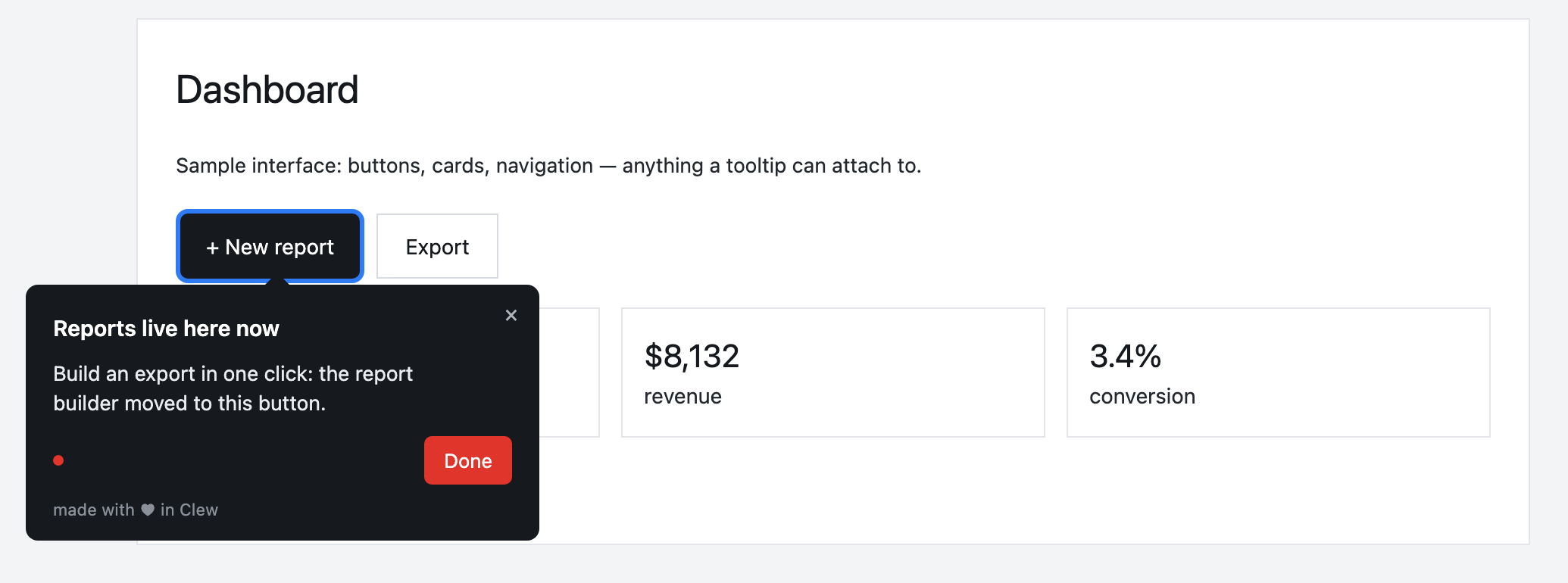
Onboarding inside a private network
Clew runs as a container next to your app. The editor, analytics and widget are all served from your domain; the database is a file on your volume, backed up with everything else.
This is an illustrative scenario, not a real customer. Real customer stories will appear here as they happen.
What self-hosting includes
Frequently asked questions
Can Clew run fully on our own infrastructure?
Most onboarding tools are cloud-only. Clew runs in your infrastructure — Docker or one Node process with a built-in SQLite database — so visitor data never leaves your perimeter, and security review becomes a much shorter conversation.
Is Clew open source?
The self-hosted edition’s code is licensed under the GNU AGPL-3.0, an open-source licence, or under a commercial licence. There is no public repository at the time of writing; the code is delivered with the self-hosted edition. The cloud version on tryclew.io is a hosted service.
What does the AGPL require of us?
Running Clew unmodified, even inside a company, carries no extra obligation. If you modify it and let people use the modified version over a network, you must publish those changes under the AGPL. If you want to keep changes private, bundle Clew into a product you sell or host it for clients, you need the commercial licence.
Does a self-hosted install call home?
No. The licence key is verified offline against a public key shipped with the code, so the server works in a network without internet access.
Do I need a developer to set up onboarding?
Only once — to paste one script tag into your page. After that, product managers, marketers or support build tours, tooltips and checklists in a visual editor right on the live page, with no releases.
Does Clew work with React, Vue and single-page apps?
Yes. The widget is dependency-free vanilla JavaScript; it survives route changes in single-page apps and does not pull in a framework.
Can I self-host Clew?
Yes. Run it in Docker or as a single Node process with a built-in SQLite database; visitor data stays on your servers. The self-hosted edition is a one-time license with a year of updates and support.
How much does Clew cost?
The Free plan is free forever: 1 site and up to 3 published tours, no visitor caps. Pro ($14.99/month, 20 published tours, no visitor caps) and Business come with a 14-day trial, no credit card. There is also a one-time Lifetime license and a self-hosted box.
Using Clew? Your numbers on activation and support load belong in this spot.