SaaS onboarding tools — four categories people keep confusing
"Onboarding tool" covers four different products: in-app guidance, lifecycle email, product analytics and support chat. They solve different problems and buying the wrong one is the usual mistake. Here is what each category does, roughly what it costs, and how to tell which one your drop-off needs. Clew is the first kind.
The four categories
Most teams buy on the word "onboarding" and find out later that it meant something else.
Tours, tooltips, checklists
Works when people reach the product and stall inside it. Clew, Appcues, Pendo, UserGuiding, WalkMe. Free plans exist; paid usually starts in the low hundreds a month.
Sequences and nudges
Works when people sign up and never come back. It cannot help anyone who is already looking at the screen and confused.
Finding the drop-off, answering the question
Analytics tells you where people stop but changes nothing on its own; support chat answers the question once, per person, forever.
How Clew solves it
Tours, tooltips, checklists, modals
Every format is built in one editor and follows the same display rules — by URL, segment, trigger and frequency.
See where people get stuck
Step-by-step funnels and drop-offs, plus detection of hints that broke after a front-end release. Counted with a random browser ID — no IP addresses, no personal data.
First tooltip in 15 minutes
Open your own page, click an element — the selector is captured for you — and write the text right on the live page, not in a mockup.
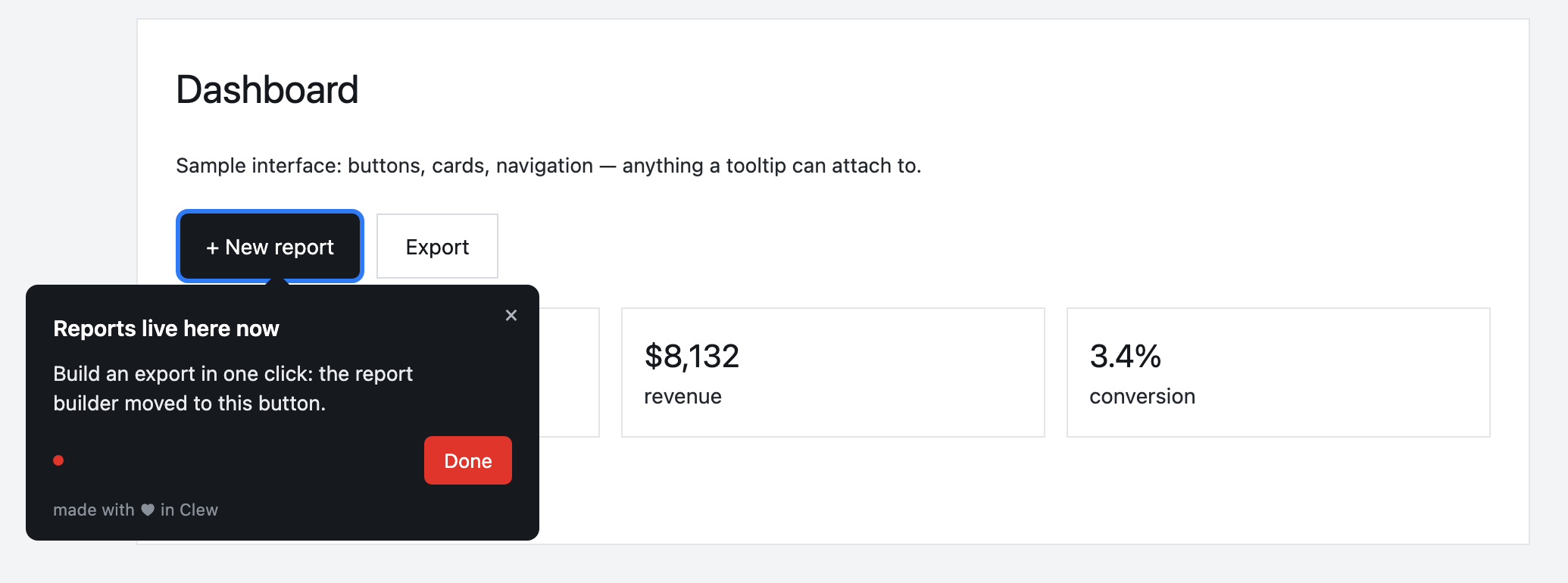
A hint inside your product
A tour, tooltip, checklist or modal — built in the visual editor and shown by URL, segment, trigger and frequency. A product manager or marketer edits it, with no release.
This is an illustrative scenario, not a real customer. Real customer stories will appear here as they happen.
If the problem is inside the product
Frequently asked questions
Which onboarding tool does my problem need?
"Onboarding tool" covers four different products: in-app guidance, lifecycle email, product analytics and support chat. They solve different problems and buying the wrong one is the usual mistake. Here is what each category does, roughly what it costs, and how to tell which one your drop-off needs. Clew is the first kind.
Do I need a developer to set up onboarding?
Only once — to paste one script tag into your page. After that, product managers, marketers or support build tours, tooltips and checklists in a visual editor right on the live page, with no releases.
Does Clew work with React, Vue and single-page apps?
Yes. The widget is dependency-free vanilla JavaScript; it survives route changes in single-page apps and does not pull in a framework.
Can I self-host Clew?
Yes. Run it in Docker or as a single Node process with a built-in SQLite database; visitor data stays on your servers. The self-hosted edition is a one-time license with a year of updates and support.
How much does Clew cost?
The Free plan is free forever: 1 site and up to 3 published tours, no visitor caps. Pro ($14.99/month, 20 published tours, no visitor caps) and Business come with a 14-day trial, no credit card. There is also a one-time Lifetime license and a self-hosted box.
Using Clew? Your numbers on activation and support load belong in this spot.