Fintech and banking app onboarding — without sending data to a third party
Tours, tooltips and checklists inside your customer portal. Clew runs in your own infrastructure — on-prem, Docker or a single Node process — so visitor data stays with you and a third-party script never has to pass your security review.
Why typical onboarding SaaS is hard to adopt in a bank
Three reasons an external onboarding widget stalls in security and compliance review.
Third-party scripts get blocked
A script that ships behavioral data to a vendor cloud triggers vendor-risk assessments, data-processing agreements and data-residency questions. Many teams never get past that stage.
Customers get lost between products
Payments, statements, cards, limits — the interface is dense. New customers never reach the key action, and the contact center fills up with “where do I find…”.
Help content goes stale
After an update the button moves, and the PDF guides and help-center articles are already wrong. There is nowhere to fix guidance inside the interface itself.
How Clew solves it
The in-app onboarding you would get from Appcues or Pendo — inside your perimeter, and in the hands of the product team.
Self-hosted when you need it
Run Clew in Docker or as a single Node process with a built-in SQLite database. Visitor data stays inside your perimeter — useful for security reviews, data-residency rules and vendor-risk questionnaires.
Product managers edit the hints
A developer adds one script tag, once. From then on the PM places tooltips and tours in a visual editor and changes copy without a release — the same day a question shows up in support.
See where people get stuck
Step-by-step funnels and drop-offs, plus detection of hints that broke after a front-end release. Counted with a random browser ID — no IP addresses, no personal data.
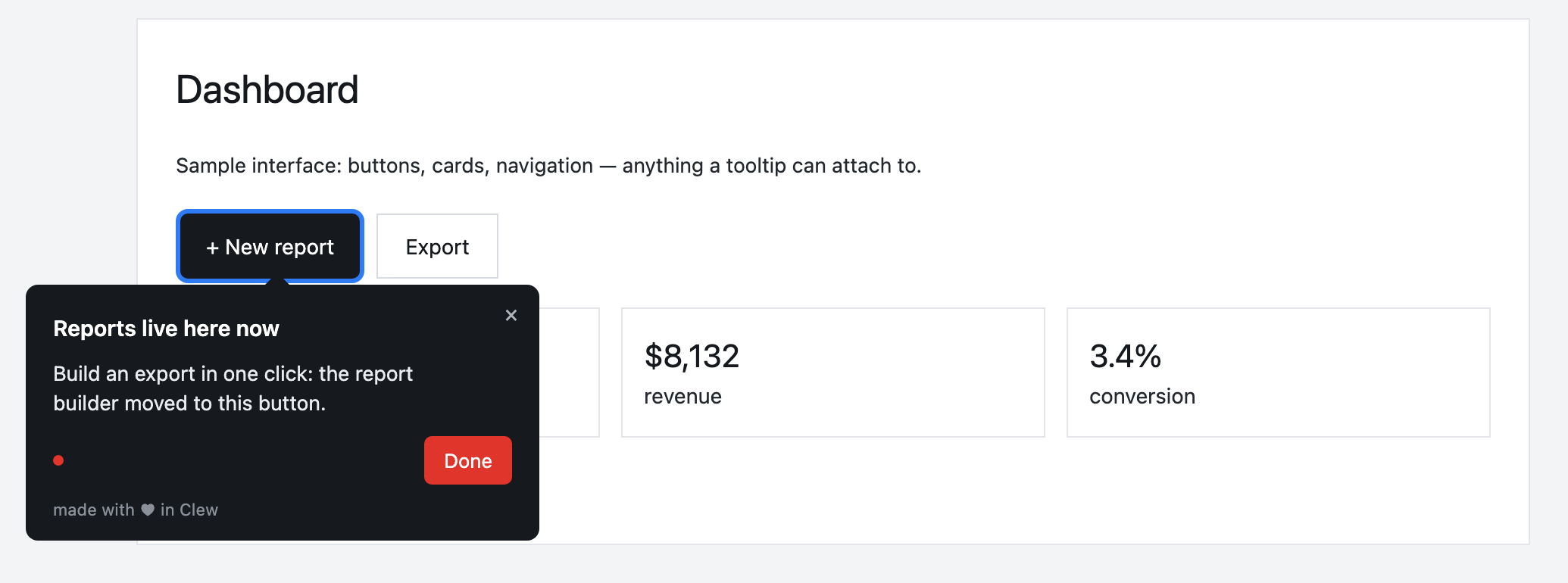
Onboarding in a business banking portal
A first-payment tour walks the customer from login to confirmation. An “Activate your account” checklist stays in the corner and remembers progress between visits. A modal announces the new statements view right on the statements page — not in an email that lands in spam.
This is an illustrative scenario, not a real customer. Real customer stories will appear here as they happen.
Why Clew fits a regulated environment
Frequently asked questions
Is Clew a good fit for banks and fintech?
Tours, tooltips and checklists inside your customer portal. Clew runs in your own infrastructure — on-prem, Docker or a single Node process — so visitor data stays with you and a third-party script never has to pass your security review.
Do I need a developer to set up onboarding?
Only once — to paste one script tag into your page. After that, product managers, marketers or support build tours, tooltips and checklists in a visual editor right on the live page, with no releases.
Does Clew work with React, Vue and single-page apps?
Yes. The widget is dependency-free vanilla JavaScript; it survives route changes in single-page apps and does not pull in a framework.
Can I self-host Clew?
Yes. Run it in Docker or as a single Node process with a built-in SQLite database; visitor data stays on your servers. The self-hosted edition is a one-time license with a year of updates and support.
How much does Clew cost?
The Free plan is free forever: 1 site and up to 3 published tours, no visitor caps. Pro ($14.99/month, 20 published tours, no visitor caps) and Business come with a 14-day trial, no credit card. There is also a one-time Lifetime license and a self-hosted box.
Using Clew? Your numbers on activation and support load belong in this spot.