Onboard marketplace sellers and shoppers — right inside the portal
Tooltips, tours and checklists inside your marketplace or online store. Sellers list their first product sooner and shoppers make it to checkout, without piling more tickets onto support. Your product or marketplace team sets it up — no release needed.
Where e-commerce loses sellers and orders
A complex portal and unfamiliar steps cost you sales on both sides of the marketplace.
A complex portal scares sellers off
Listings, inventory, shipping, fees — a new seller never reaches their first sale and churns.
The same questions, over and over
“How do I list a product?”, “Where are my payouts?” — support answers in circles when a hint could sit right in the interface.
Shoppers abandon halfway
An unfamiliar checkout step or an unexplained new feature — and the cart is gone.
How Clew solves it
Product managers edit the hints
A developer adds one script tag, once. From then on the PM places tooltips and tours in a visual editor and changes copy without a release — the same day a question shows up in support.
Tours, tooltips, checklists, modals
Every format is built in one editor and follows the same display rules — by URL, segment, trigger and frequency.
See where people get stuck
Step-by-step funnels and drop-offs, plus detection of hints that broke after a front-end release. Counted with a random browser ID — no IP addresses, no personal data.
Onboarding a new seller
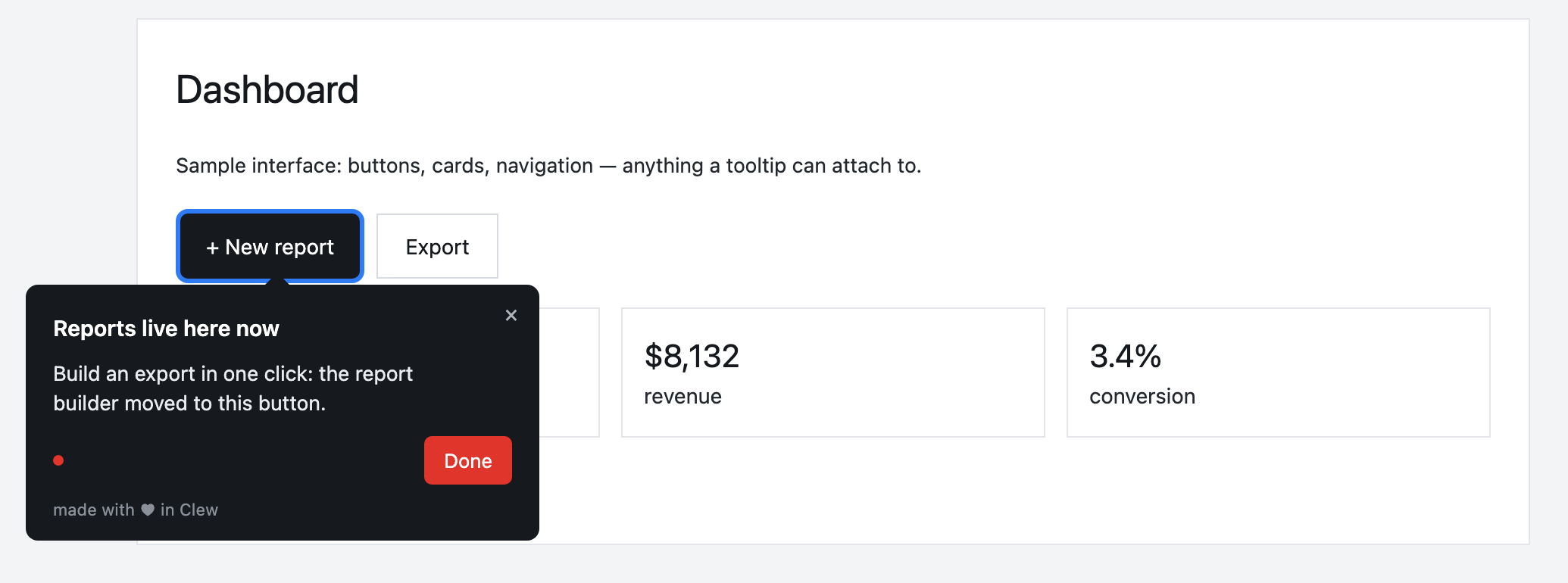
A “List your first product” checklist stays in the corner and remembers progress. A tour walks through the product form, and a modal announces a fee change on the page where it matters.
This is an illustrative scenario, not a real customer. Real customer stories will appear here as they happen.
Why it works for e-commerce
Frequently asked questions
Is Clew a good fit for marketplaces and e-commerce?
Tooltips, tours and checklists inside your marketplace or online store. Sellers list their first product sooner and shoppers make it to checkout, without piling more tickets onto support. Your product or marketplace team sets it up — no release needed.
Do I need a developer to set up onboarding?
Only once — to paste one script tag into your page. After that, product managers, marketers or support build tours, tooltips and checklists in a visual editor right on the live page, with no releases.
Does Clew work with React, Vue and single-page apps?
Yes. The widget is dependency-free vanilla JavaScript; it survives route changes in single-page apps and does not pull in a framework.
Can I self-host Clew?
Yes. Run it in Docker or as a single Node process with a built-in SQLite database; visitor data stays on your servers. The self-hosted edition is a one-time license with a year of updates and support.
How much does Clew cost?
The Free plan is free forever: 1 site and up to 3 published tours, no visitor caps. Pro ($14.99/month, 20 published tours, no visitor caps) and Business come with a 14-day trial, no credit card. There is also a one-time Lifetime license and a self-hosted box.
Using Clew? Your numbers on activation and support load belong in this spot.