A digital adoption platform for internal software — without webinars and PDF manuals
Tooltips, tours and checklists right inside your intranet, ITSM or HR system. Clew runs inside your company network and updates without a release, so employees learn a new tool on their own — not in a training session or by asking the person next to them.
Why internal software rollouts stall
The tool was bought and rolled out — and nobody uses it, because nobody figured it out.
Every tool means another training
Webinars and wiki pages nobody reads. People still go to colleagues and the help desk with the same questions.
The UI changes, the knowledge expires
The portal gets updated and half of the manuals are wrong. Nobody has time to rewrite them, and re-training is expensive.
External SaaS is not allowed in
Cloud widgets that send data outside the network do not pass IT security. You need something that runs inside the perimeter.
How Clew solves it
Self-hosted when you need it
Run Clew in Docker or as a single Node process with a built-in SQLite database. Visitor data stays inside your perimeter — useful for security reviews, data-residency rules and vendor-risk questionnaires.
The system owner edits it
The tag goes in once. After that, whoever owns the tool builds and updates the guidance — no backlog ticket, no release.
See where people get stuck
Step-by-step funnels and drop-offs, plus detection of hints that broke after a front-end release. Counted with a random browser ID — no IP addresses, no personal data.
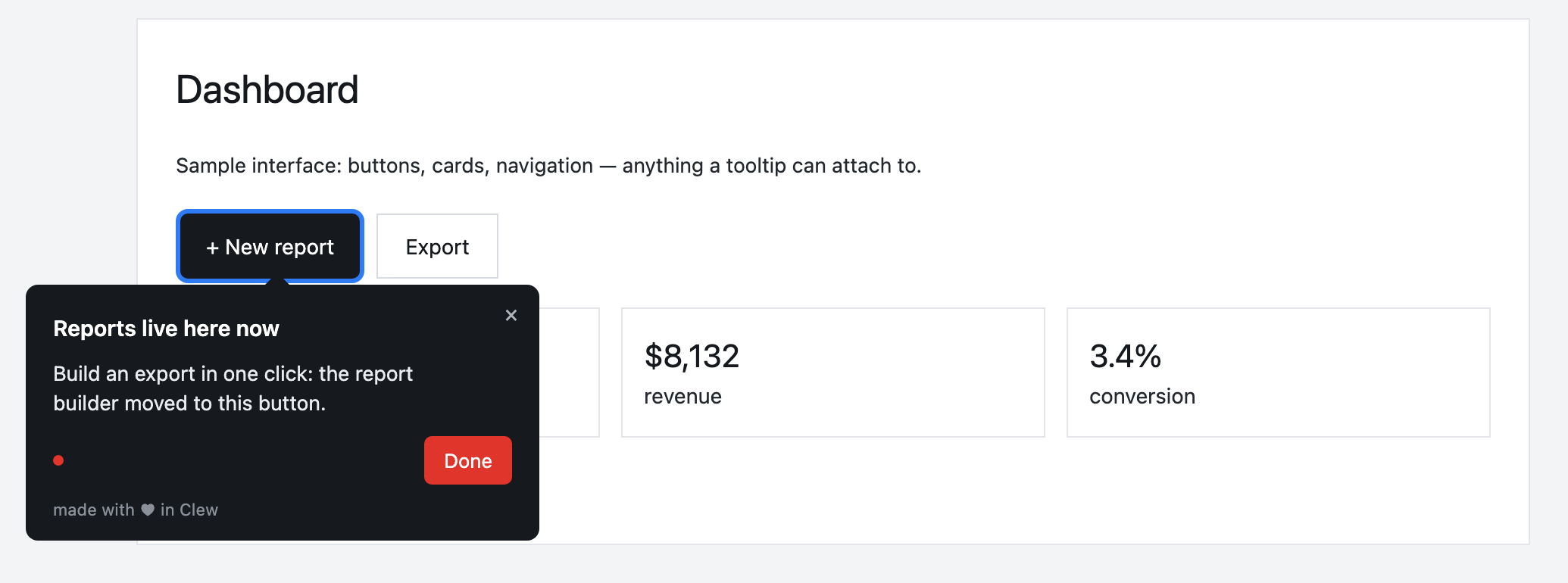
Onboarding in a corporate portal
A tour walks a new employee through their first expense report, from login to submit. A “Set up your profile” checklist stays in the corner. A modal announces a new module on that module’s own page.
This is an illustrative scenario, not a real customer. Real customer stories will appear here as they happen.
Why it fits a company network
Frequently asked questions
Is Clew a good fit for internal tools and employee onboarding?
Tooltips, tours and checklists right inside your intranet, ITSM or HR system. Clew runs inside your company network and updates without a release, so employees learn a new tool on their own — not in a training session or by asking the person next to them.
Do I need a developer to set up onboarding?
Only once — to paste one script tag into your page. After that, product managers, marketers or support build tours, tooltips and checklists in a visual editor right on the live page, with no releases.
Does Clew work with React, Vue and single-page apps?
Yes. The widget is dependency-free vanilla JavaScript; it survives route changes in single-page apps and does not pull in a framework.
Can I self-host Clew?
Yes. Run it in Docker or as a single Node process with a built-in SQLite database; visitor data stays on your servers. The self-hosted edition is a one-time license with a year of updates and support.
How much does Clew cost?
The Free plan is free forever: 1 site and up to 3 published tours, no visitor caps. Pro ($14.99/month, 20 published tours, no visitor caps) and Business come with a 14-day trial, no credit card. There is also a one-time Lifetime license and a self-hosted box.
Using Clew? Your numbers on activation and support load belong in this spot.