Agents use half of the features
Product onboarding for helpdesk and customer-support software: help agents master the tool and cut handling time. Hints right in the agent workspace.
Where activation leaks
Working with three buttons
Macros, SLAs, knowledge base, automations — agents don’t know half of them and do things by hand.
New agents take long to ramp up
Training takes weeks, and turnover in support is high.
Simple questions still become tickets
Customers can’t find the answer themselves and open a ticket a hint could have prevented.
How Clew solves it
Product managers edit the hints
A developer adds one script tag, once. From then on the PM places tooltips and tours in a visual editor and changes copy without a release — the same day a question shows up in support.
See where people get stuck
Step-by-step funnels and drop-offs, plus detection of hints that broke after a front-end release. Counted with a random browser ID — no IP addresses, no personal data.
Tours, tooltips, checklists, modals
Every format is built in one editor and follows the same display rules — by URL, segment, trigger and frequency.
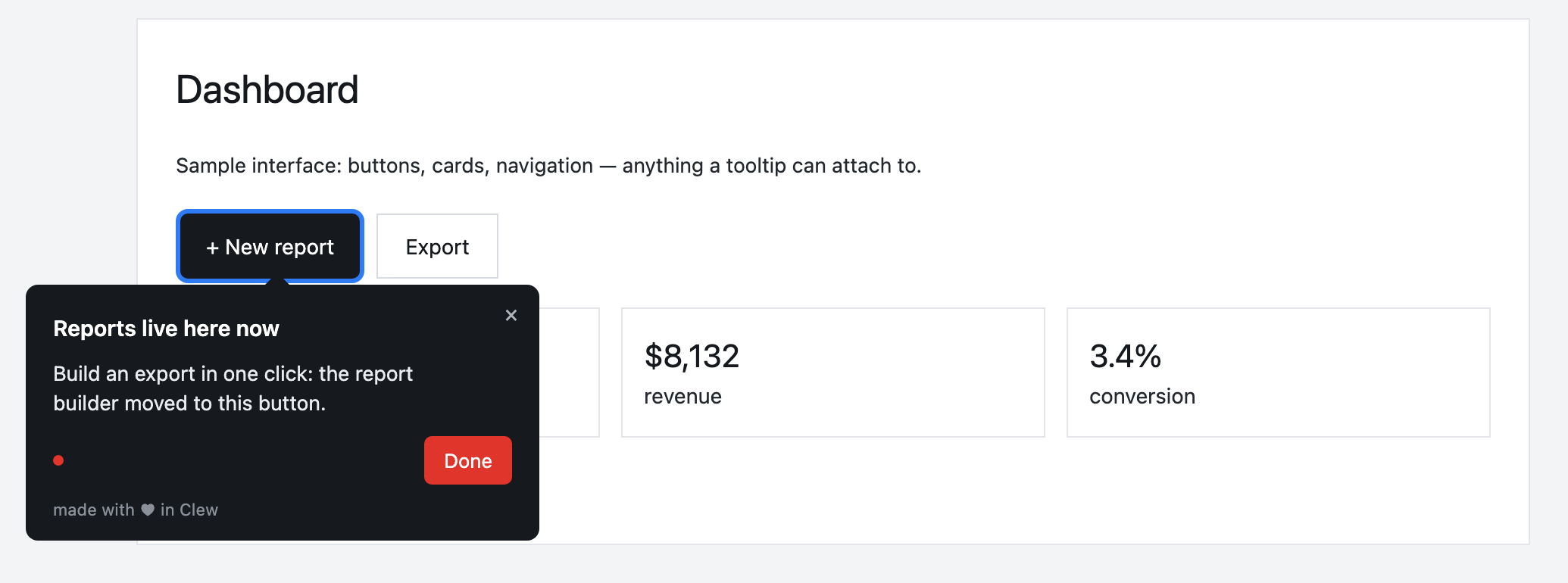
Onboarding a support agent
A tour shows how to apply a macro, tooltips explain SLA timers, and a “Set up your knowledge base” checklist tracks progress.
This is an illustrative scenario, not a real customer. Real customer stories will appear here as they happen.
Why Clew
Frequently asked questions
Is Clew a good fit for helpdesk products?
Product onboarding for helpdesk and customer-support software: help agents master the tool and cut handling time. Hints right in the agent workspace.
Do I need a developer to set up onboarding?
Only once — to paste one script tag into your page. After that, product managers, marketers or support build tours, tooltips and checklists in a visual editor right on the live page, with no releases.
Does Clew work with React, Vue and single-page apps?
Yes. The widget is dependency-free vanilla JavaScript; it survives route changes in single-page apps and does not pull in a framework.
Can I self-host Clew?
Yes. Run it in Docker or as a single Node process with a built-in SQLite database; visitor data stays on your servers. The self-hosted edition is a one-time license with a year of updates and support.
How much does Clew cost?
The Free plan is free forever: 1 site and up to 3 published tours, no visitor caps. Pro ($14.99/month, 20 published tours, no visitor caps) and Business come with a 14-day trial, no credit card. There is also a one-time Lifetime license and a self-hosted box.
Using Clew? Your numbers on activation and support load belong in this spot.