Employees get lost in the HR portal
Product onboarding for HR and HR-tech software: guide employees to self-service so they don’t take every question to HR. Tooltips and checklists inside the portal.
Where activation leaks
People still email HR
Time off, certificates, payslips — employees can’t find what they need and message HR instead of doing it themselves.
The first days are chaos
A new hire doesn’t know what to fill in or where. Onboarding stalls at the very start.
New modules go unnoticed
You added 360° reviews or pulse surveys — and employees don’t know about them.
How Clew solves it
Product managers edit the hints
A developer adds one script tag, once. From then on the PM places tooltips and tours in a visual editor and changes copy without a release — the same day a question shows up in support.
See where people get stuck
Step-by-step funnels and drop-offs, plus detection of hints that broke after a front-end release. Counted with a random browser ID — no IP addresses, no personal data.
Tours, tooltips, checklists, modals
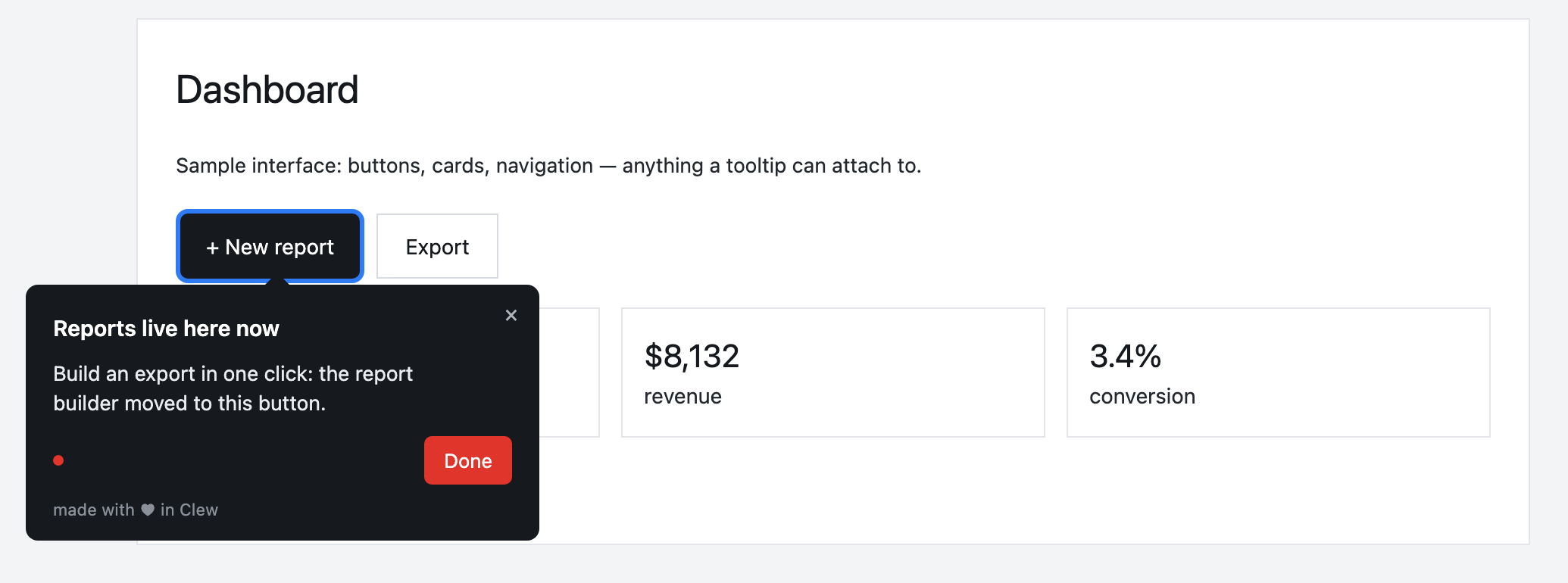
Every format is built in one editor and follows the same display rules — by URL, segment, trigger and frequency.
Onboarding a new employee
A first-day checklist covers the profile and documents, a tour shows how to request a certificate, and a modal announces an engagement survey.
This is an illustrative scenario, not a real customer. Real customer stories will appear here as they happen.
Why Clew
Frequently asked questions
Is Clew a good fit for HR software products?
Product onboarding for HR and HR-tech software: guide employees to self-service so they don’t take every question to HR. Tooltips and checklists inside the portal.
Do I need a developer to set up onboarding?
Only once — to paste one script tag into your page. After that, product managers, marketers or support build tours, tooltips and checklists in a visual editor right on the live page, with no releases.
Does Clew work with React, Vue and single-page apps?
Yes. The widget is dependency-free vanilla JavaScript; it survives route changes in single-page apps and does not pull in a framework.
Can I self-host Clew?
Yes. Run it in Docker or as a single Node process with a built-in SQLite database; visitor data stays on your servers. The self-hosted edition is a one-time license with a year of updates and support.
How much does Clew cost?
The Free plan is free forever: 1 site and up to 3 published tours, no visitor caps. Pro ($14.99/month, 20 published tours, no visitor caps) and Business come with a 14-day trial, no credit card. There is also a one-time Lifetime license and a self-hosted box.
Using Clew? Your numbers on activation and support load belong in this spot.