How to add an onboarding checklist in a Replit app without a developer
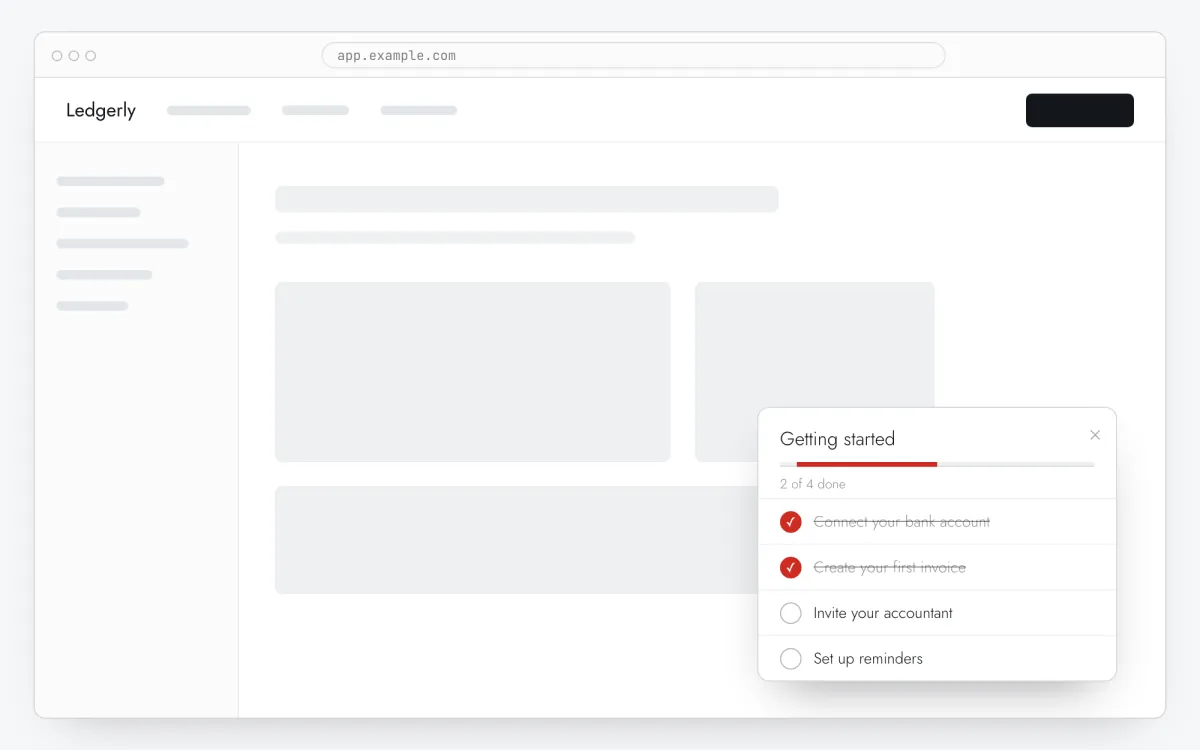
An onboarding checklist in a Replit app: four tasks, a progress bar, each item one click away from the right screen — set up in the Clew editor, no front-end work.
- Time
- ● 15 minutes
- Price
- 14-day free trial, no card
- Who does it
- You and Replit Agent
Example: an onboarding checklist in a Replit app
A small SaaS for tutors deployed on Replit. Three seconds after opening the home page, a checklist lists: add your subjects, set availability, share your booking page.
This format is part of the Pro plan. Every new account starts with a 14-day free trial with all formats and audience rules, no card required. When the trial ends nothing is deleted and published items keep showing; the Free plan keeps tours and tooltips free.
How to add the onboarding checklist in a Replit app, step by step
- Step 01
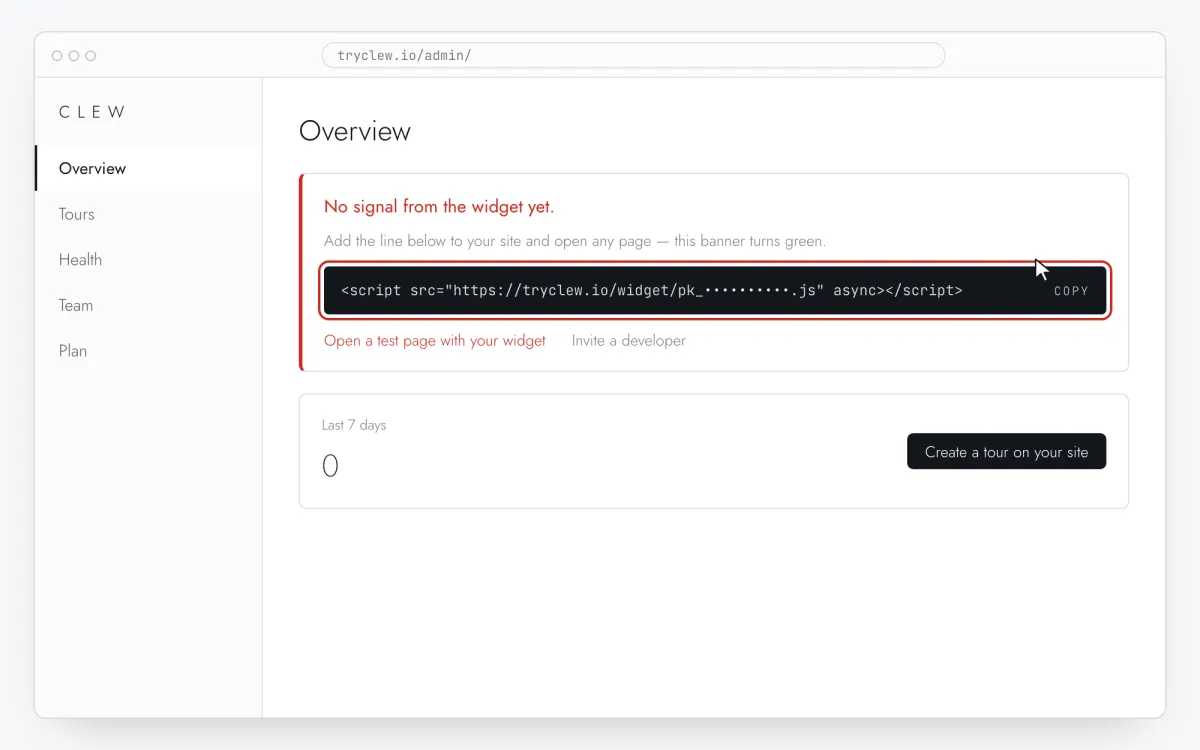
Copy your Clew snippet
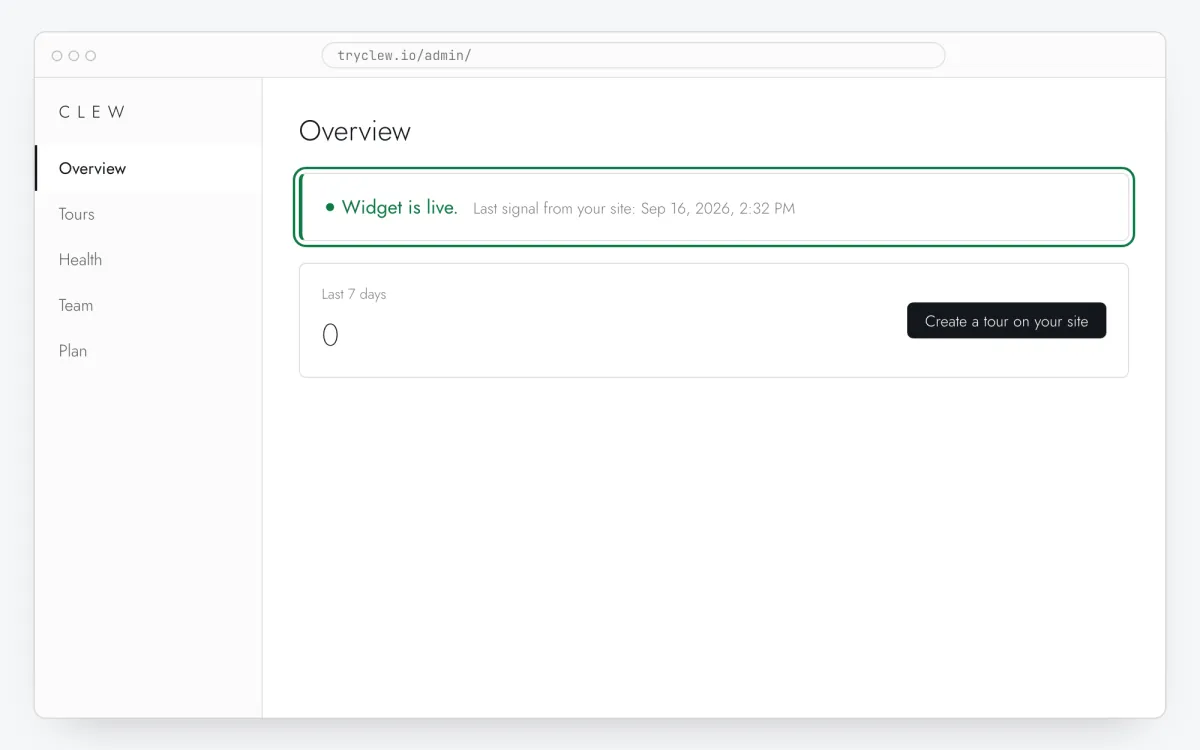
Create a free account (or sign in), add your site and open Admin → Overview. Click the line in the “No signal from the widget yet.” card to copy it — it carries your real site key instead of the placeholder.
<!-- Clew: replace PASTE_YOUR_SITE_KEY with the site key from Admin > Overview -->
<script src="https://tryclew.io/widget/PASTE_YOUR_SITE_KEY.js" async></script>
Step 1 · schematic illustration - Step 02
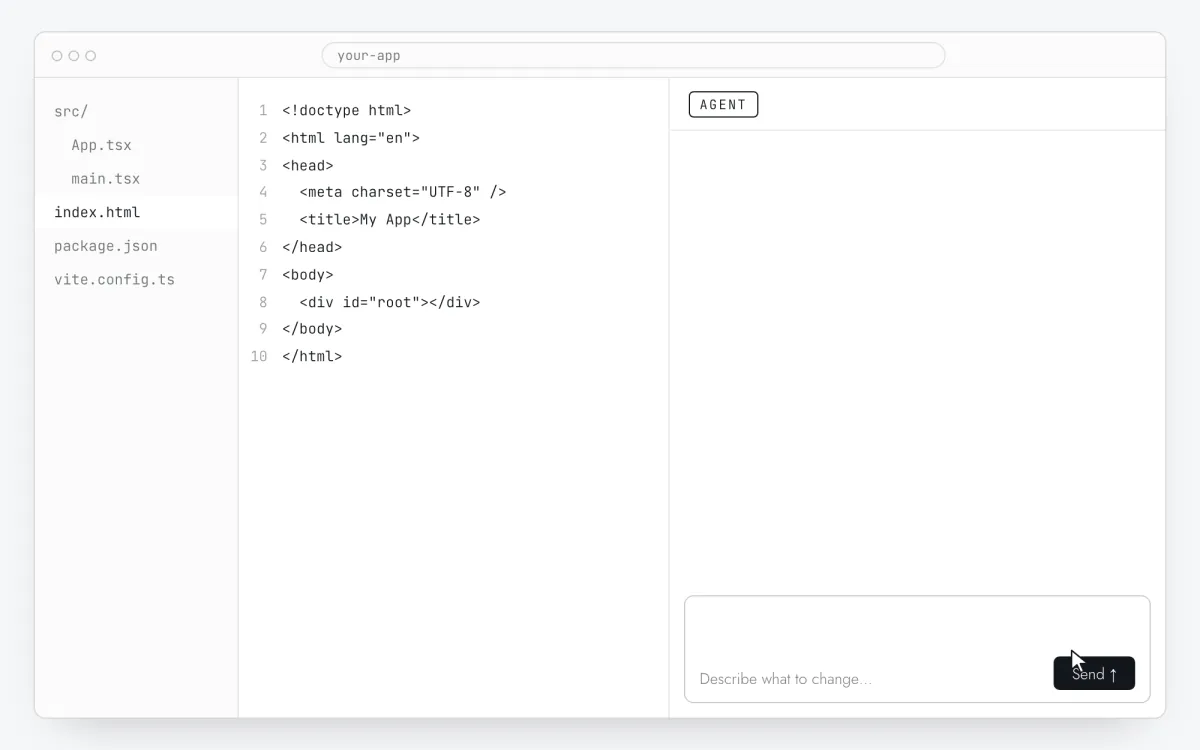
Open the Repl with Agent or Assistant
Open your app in Replit and start Agent (or Assistant). Replit templates differ, so let it find the root template.
Step 2 · schematic illustration - Step 03
Send the prompt with your key
Replace
PASTE_YOUR_SITE_KEYwith your key and send the prompt below.Add the Clew onboarding widget to this app. Insert this exact tag once so it loads on every page, including after client-side route changes: <script src="https://tryclew.io/widget/PASTE_YOUR_SITE_KEY.js" async></script> This is a Replit project: find the HTML template or root layout that every page uses (index.html, a server-rendered layout or the framework root) and put the tag right before </head>. After the signed-in user is loaded, and whenever these values change, call Clew.identify() with a few non-personal properties as strings — for example { plan: "trial", role: "owner", onboarded: "false" }. If the widget may not have loaded yet, first define the queue stub: window.TutorKit = window.TutorKit || { q: [], identify: function (p) { this.q.push(["identify", p]); } }; and call window.TutorKit.identify(...). Never pass names, emails or other personal data. Rules: - Use the script URL exactly as given. Do not download it, bundle it or install an npm package. - If the project sets a Content-Security-Policy, allow https://tryclew.io in script-src and connect-src. - Change nothing else and show me the diff.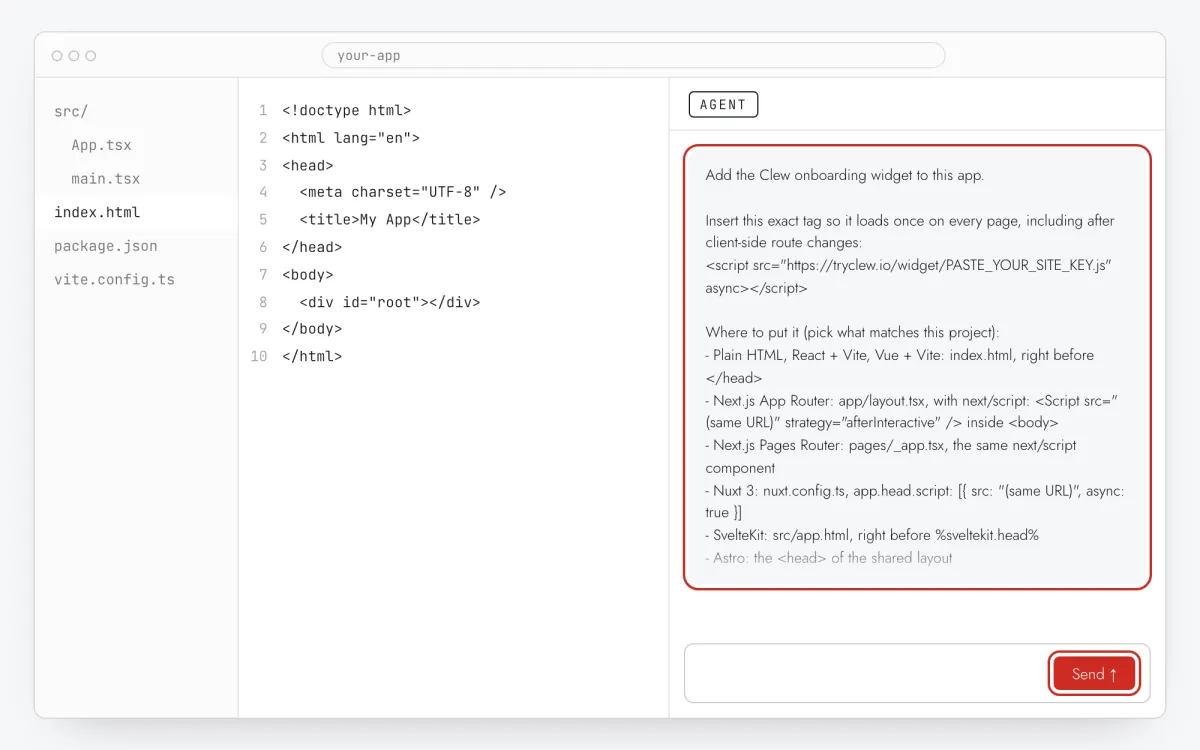
Step 3 · schematic illustration - Step 04
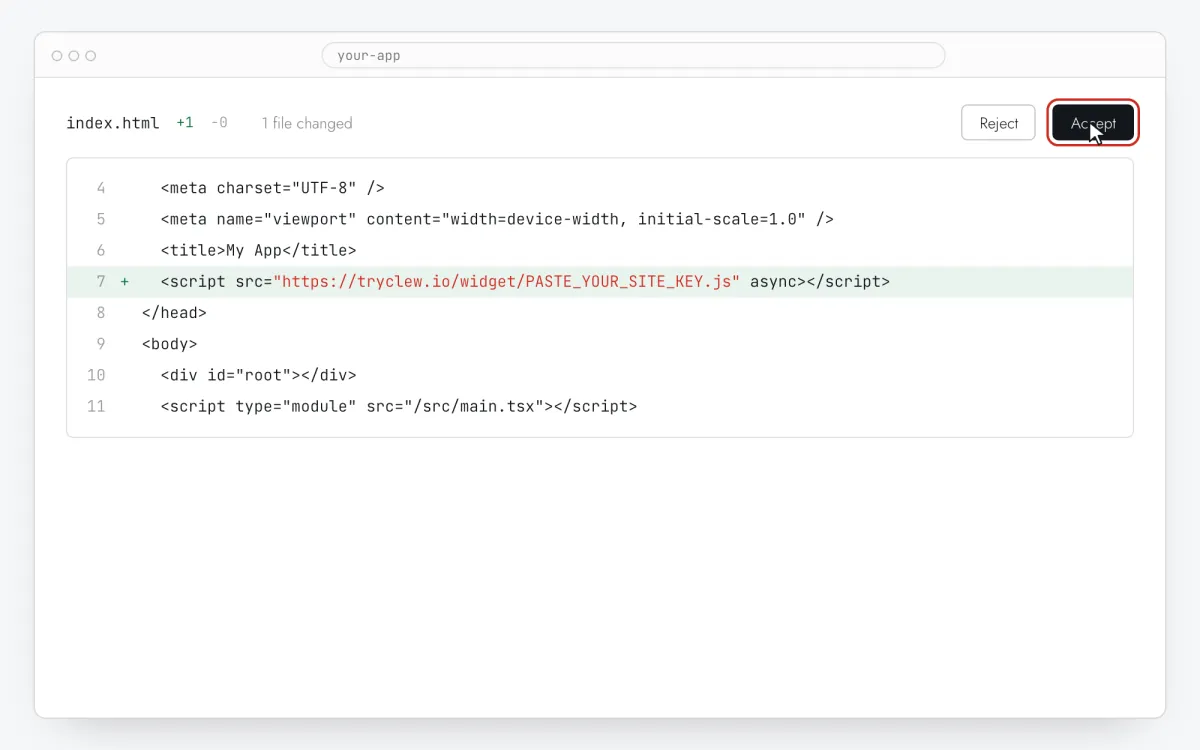
Review and redeploy
Check the changed files, then redeploy from Deployments. The workspace webview is a dev server; users see the deployment.
Step 4 · schematic illustration - Step 05
Write the checklist items in Clew
In Clew open Flows → + New flow and choose Onboarding checklist. Fill Checklist title, then add 3–5 Checklist items: a title that is an action, one line of explanation and in Link URL the page where it is done. No selectors are needed.
Step 5 · schematic illustration - Step 06
Choose where, when and for whom it shows
In the same editor, set Where to show (page URL), When to show, Audience targeting and Frequency. These are the settings of the example above:
Setting Value Format Onboarding checklist Where to show (page URL) Exact path /When to show After N seconds: 3 seconds Audience targeting No rules — everyone who opens the page Frequency Once per visitor 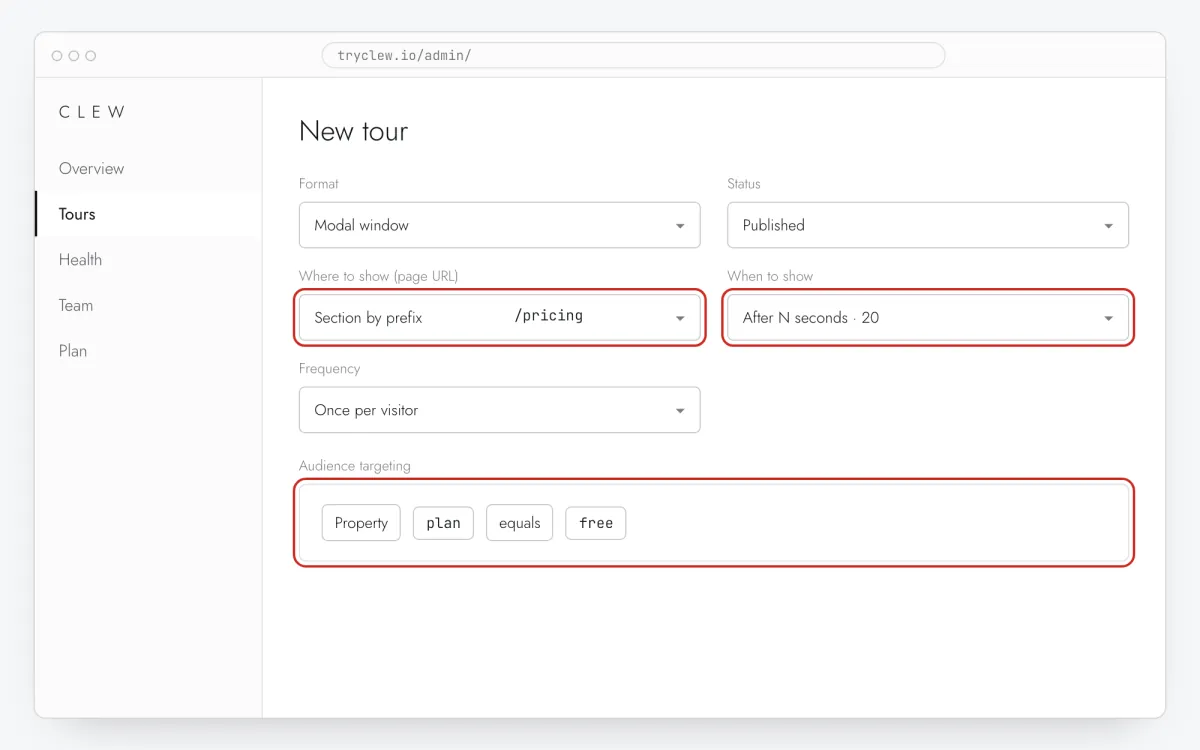
Step 6 · schematic illustration - Step 07
Publish and check it on the live site
Set Status to Published and save. Open the page in a private window — Clew remembers who has already seen a “once” item, so your usual browser may skip it. Views, completions and drop-offs appear in the tour stats.
Step 7 · schematic illustration
Pitfalls: onboarding checklist in a Replit app
Dev URL vs deployment
The .replit.dev preview and the deployed .replit.app or custom domain are different sites for visitors. Paths match, so rules work on both, but only the deployment reaches users.
Server-rendered templates
Express or Flask apps may have several templates. If the onboarding checklist shows on some pages only, ask Agent to put the tag in the shared base template.
Values are compared as text
Rules compare strings. If the app sends onboarded: false as a boolean, write the rule value as false; better, ask the assistant to send strings. The operator exists is true even for false.
One list at a time
While a checklist is open, the widget doesn’t start another tour on navigation. Keep the checklist for the setup phase and let users close it; tours on other pages start afterwards.
Questions and answers
Can the checklist link to a page in another app?
Yes. Link URL accepts any URL, for example your calendar provider’s settings.
Do I need a paid Replit plan?
You need whatever plan your deployment uses; Clew adds nothing to it — the script is loaded from Clew’s servers.
Is the onboarding checklist free?
It is part of Pro. Every new account gets a 14-day trial with checklists and audience rules, no card. When the trial ends, published checklists keep showing.
Are items ticked automatically?
An item is ticked when the user clicks it (its link opens in a new tab). Automatic ticking by app events isn’t available yet.
What else you can add in a Replit app
- How to create a product tour in a Replit app without a developer
- How to set up user onboarding in a Replit app without a developer
- How to add a paywall upgrade prompt in a Replit app without a developer
Onboarding checklist on other platforms
- Google Tag ManagerHow to add an onboarding checklist via Google Tag Manager without a developer
- LovableHow to add an onboarding checklist in a Lovable app without a developer
- Bolt.newHow to add an onboarding checklist in a Bolt.new app without a developer
- v0How to add an onboarding checklist in a v0 app without a developer
- CursorHow to add an onboarding checklist in an app built with Cursor without a developer
- Claude CodeHow to add an onboarding checklist with Claude Code without a developer