How to add a popup to a WordPress site without a developer
A step-by-step guide to a popup on WordPress: install one line, write the modal in the Clew editor and decide when it appears — after a delay, on scroll, on a repeat visit — without touching the theme again.
- Time
- ● 10 minutes
- Price
- 14-day free trial, no card
- Who does it
- WordPress administrator
Example: a popup on WordPress
A B2B blog on WordPress offers a downloadable checklist. Instead of a plugin popup on every post, the Clew modal appears on /blog posts after 70% of the article is read — the reader is engaged by then — and its button opens the download page.
This format is part of the Pro plan. Every new account starts with a 14-day free trial with all formats and audience rules, no card required. When the trial ends nothing is deleted and published items keep showing; the Free plan keeps tours and tooltips free.
How to add the popup on WordPress, step by step
- Step 01
Copy your Clew snippet
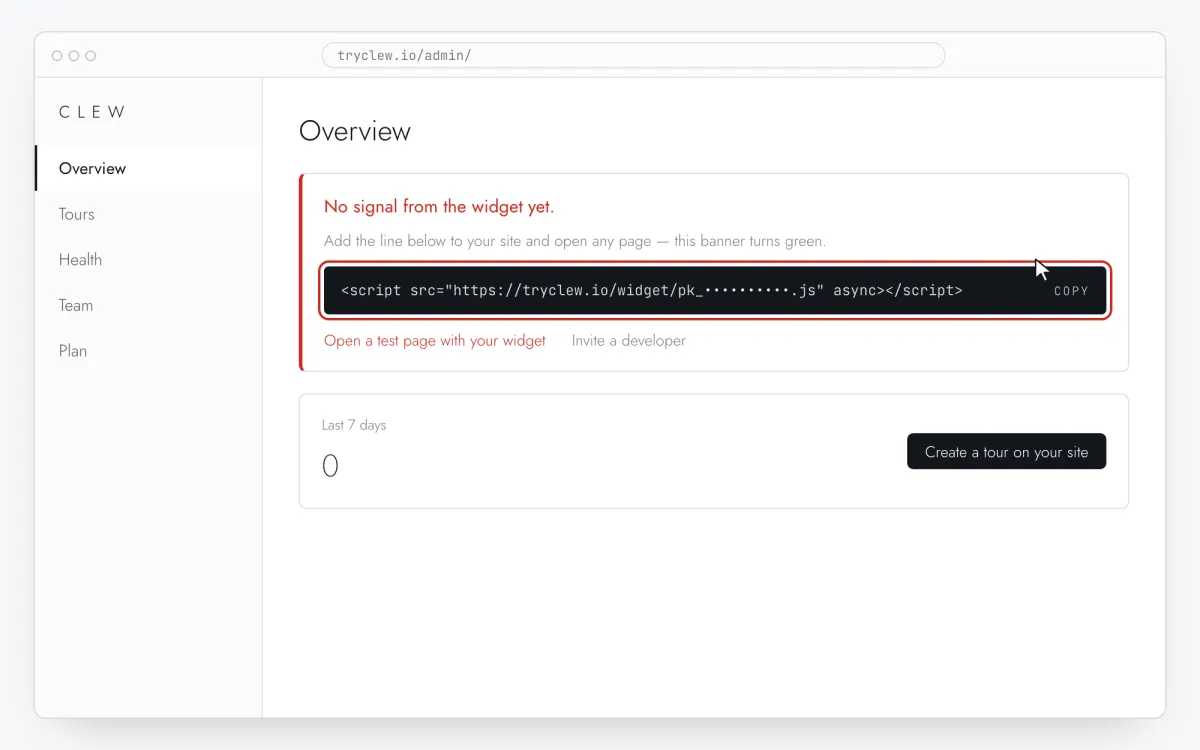
Create a free account (or sign in), add your site and open Admin → Overview. Click the line in the “No signal from the widget yet.” card to copy it — it carries your real site key instead of the placeholder.
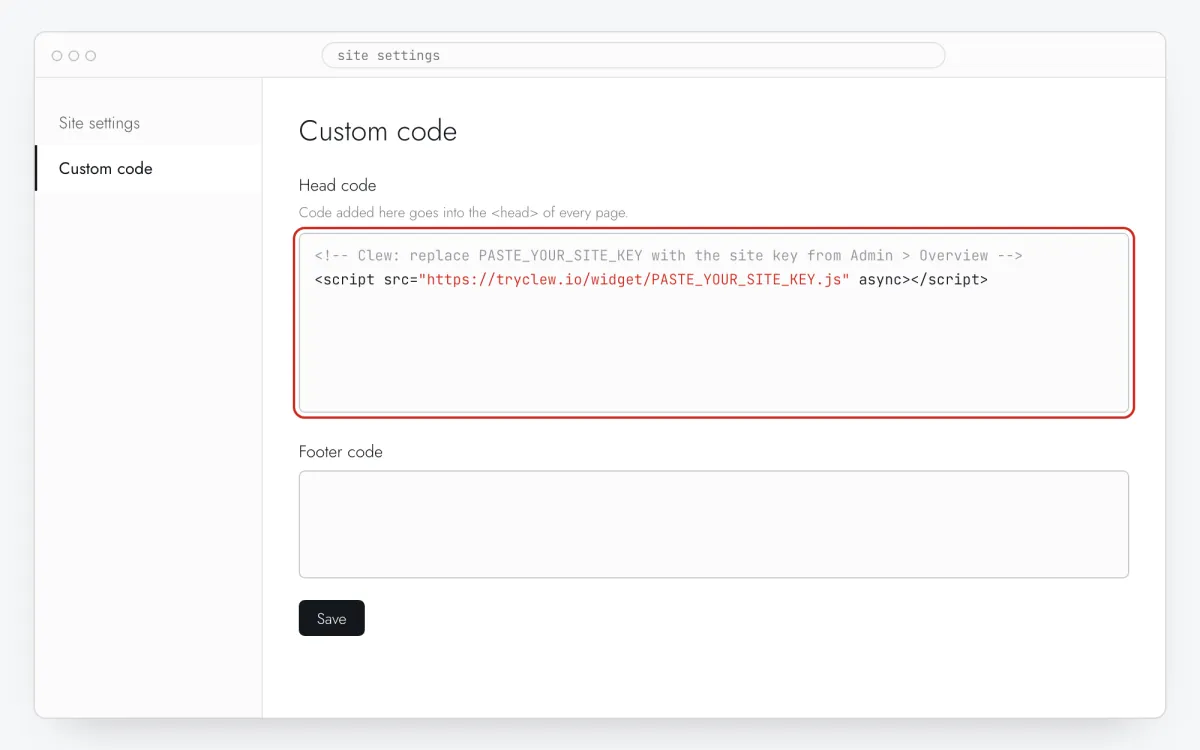
<!-- Clew: replace PASTE_YOUR_SITE_KEY with the site key from Admin > Overview -->
<script src="https://tryclew.io/widget/PASTE_YOUR_SITE_KEY.js" async></script>
Step 1 · schematic illustration - Step 02
Install a header code plugin
In Plugins → Add New install and activate the free WPCode plugin (or use your theme’s own “header scripts” option). Don’t edit
header.php: theme updates overwrite it.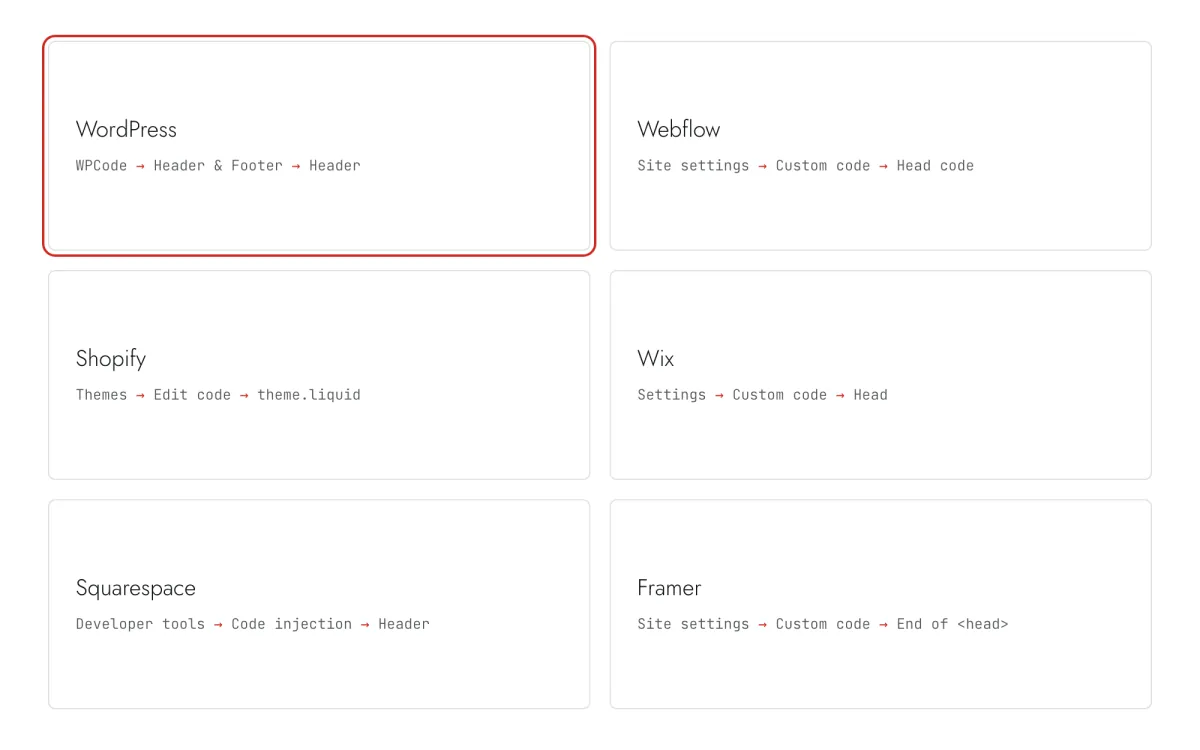
Step 2 · schematic illustration - Step 03
Paste the line into the Header box
Open Code Snippets → Header & Footer, paste the Clew line into Header and press Save Changes.
Step 3 · schematic illustration - Step 04
Purge the cache
If you use WP Rocket, LiteSpeed Cache, W3 Total Cache or a CDN, purge the cache. In “delay JavaScript” settings, exclude
tryclew.io/widget.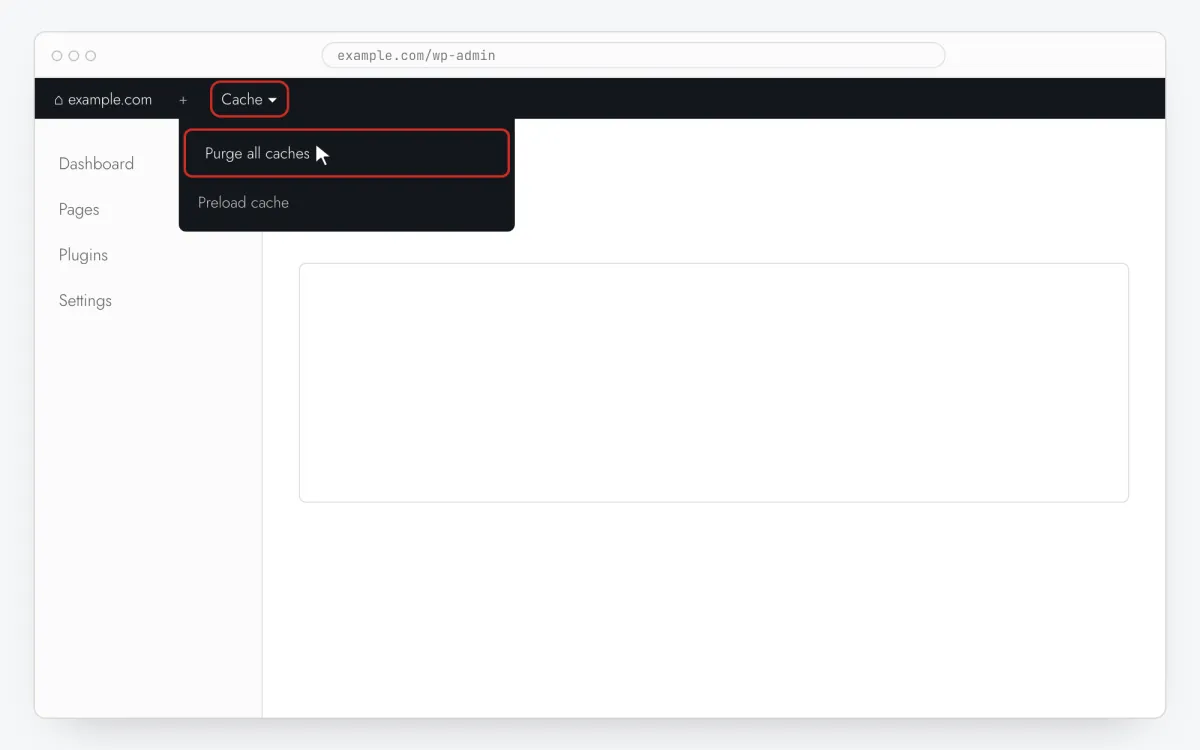
Step 4 · schematic illustration - Step 05
Write the popup in Clew
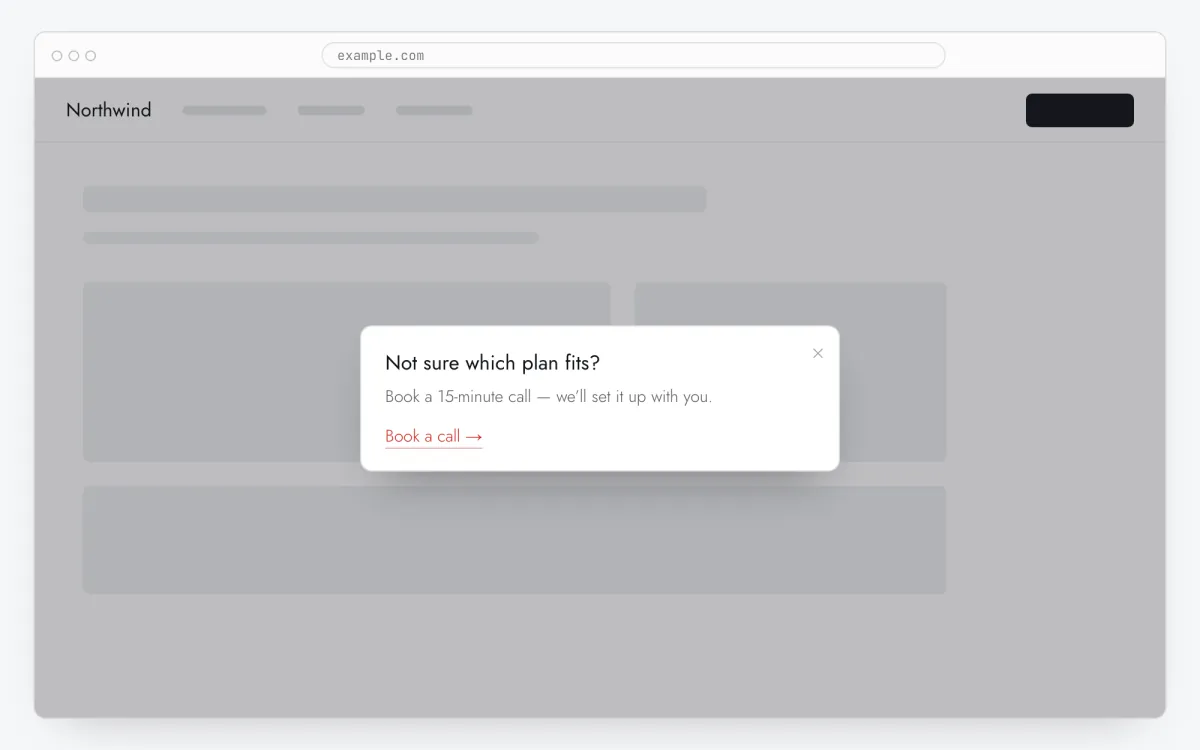
In Clew open Flows → + New flow, set Format to Modal window. Add one step: a short title, one or two sentences, and in Link text / Link URL the button text and the page it opens. The modal needs no element selector — it always appears in the center.
Step 5 · schematic illustration - Step 06
Choose where, when and for whom it shows
In the same editor, set Where to show (page URL), When to show, Audience targeting and Frequency. These are the settings of the example above:
Setting Value Format Modal window Where to show (page URL) Section by prefix /blogWhen to show After scrolling N%: 70 % of page Audience targeting No rules — everyone who opens the page Frequency Once per visitor 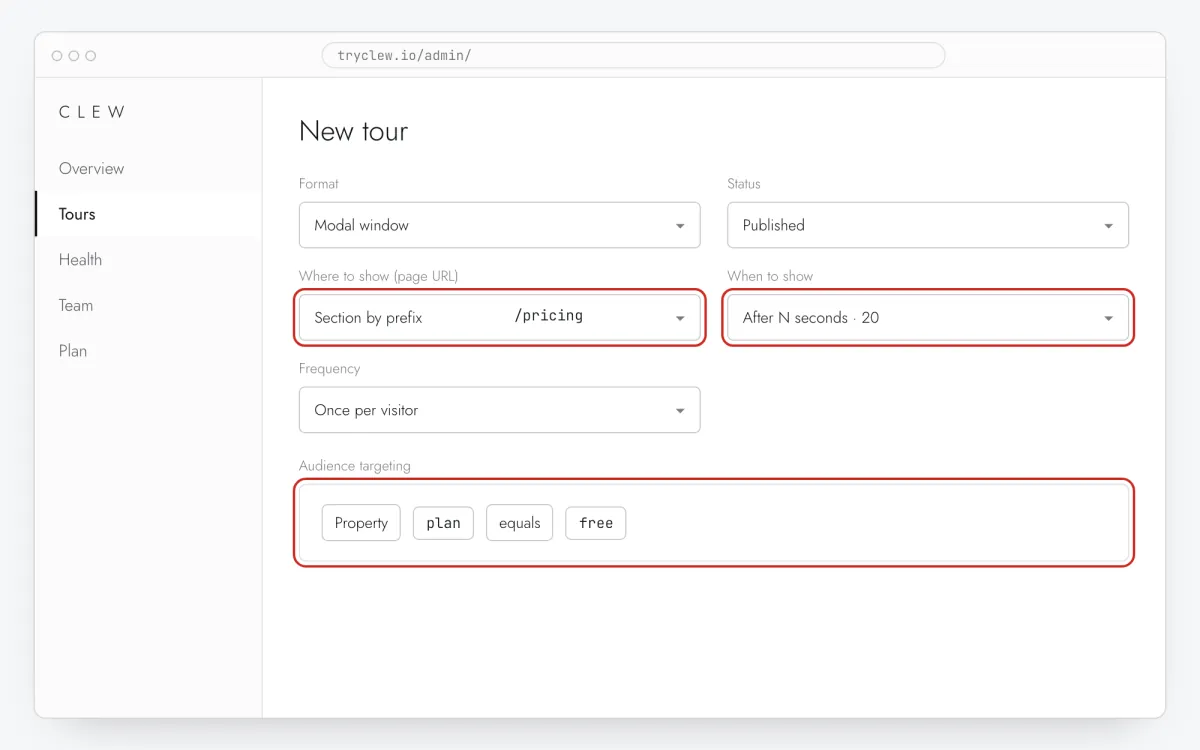
Step 6 · schematic illustration - Step 07
Publish and check it on the live site
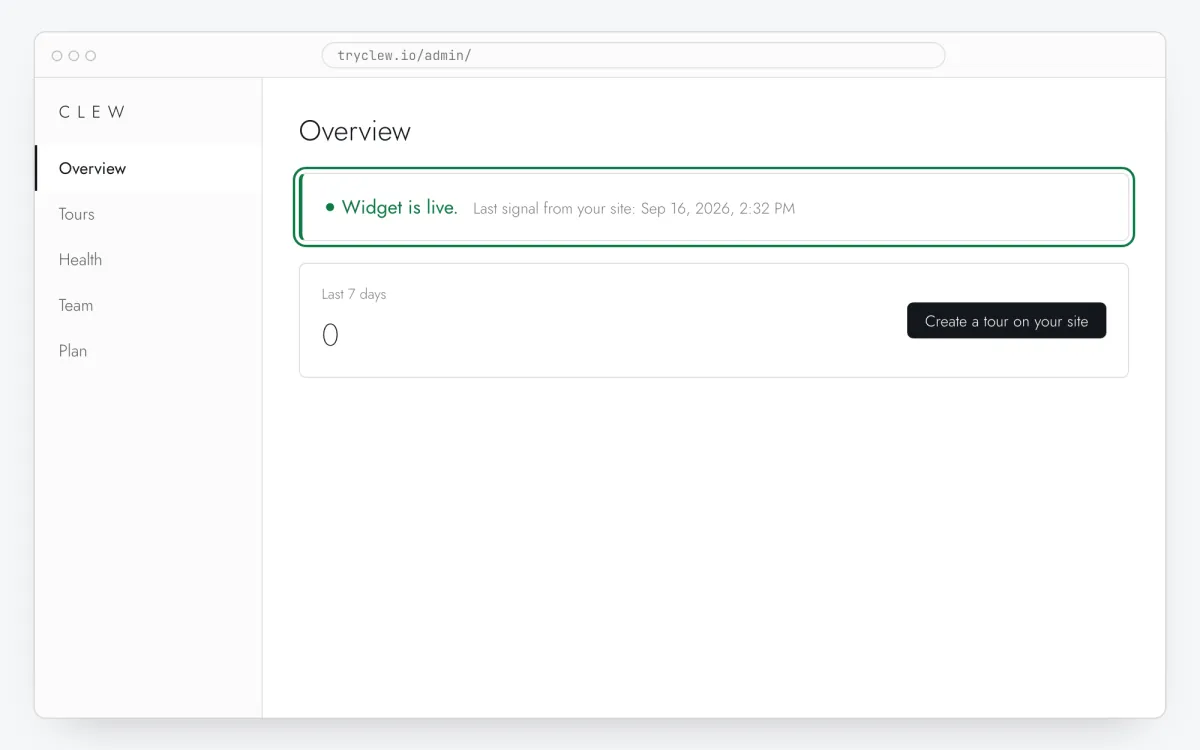
Set Status to Published and save. Open the page in a private window — Clew remembers who has already seen a “once” item, so your usual browser may skip it. Views, completions and drop-offs appear in the tour stats.
Step 7 · schematic illustration
Pitfalls: popup on WordPress
“Delay JavaScript” hides the popup until interaction
WP Rocket, LiteSpeed and Perfmatters can postpone scripts until the first scroll or click. The widget then starts late and a Right on page load item looks broken. Add tryclew.io/widget to the exclusions.
Popup plugins already on the site
OptinMonster, Elementor Popups or a cookie banner may target the same pages. Check that the Clew popup doesn’t appear at the same second as another overlay.
Don’t stack it with the builder’s own popups
If the theme or a plugin already shows a newsletter or cookie popup on the same page, visitors get two overlays. Turn one off or give Clew a different trigger (scroll or second visit).
Questions and answers
Do I still need a popup plugin?
Not for this. Clew replaces the popup plugin for announcement and offer modals; keep your form plugin for the form itself.
Does it work on WordPress.com?
Plugins such as WPCode need a WordPress.com Business plan or higher. Self-hosted WordPress works on any hosting.
Can I show the popup only on one page?
Yes. Install the line site-wide and choose Exact path or Section by prefix in Where to show (page URL). The popup won’t appear anywhere else.
Is the popup free?
The modal format is part of Pro; new accounts get a 14-day trial with everything, no card. Tours and tooltips are free on the Free plan.
Where does the button lead?
To any page you enter in Link URL — it opens in a new tab so the visitor doesn’t lose the page they were on.
What else you can add on WordPress
- How to create a product tour on WordPress without a developer
- How to add a tooltip on WordPress without a developer
- How to add a rating popup to a WordPress site without a developer
Popup on other platforms
- ShopifyHow to add a popup to a Shopify store without a developer
- WebflowHow to add a popup to a Webflow site without a developer
- WixHow to add a popup to a Wix website without a developer
- FramerHow to add a popup to a Framer site without a developer
- Google Tag ManagerHow to add a popup to your website with Google Tag Manager without a developer